
Export a Single-Sided, KDP-Compliant Interior PDF
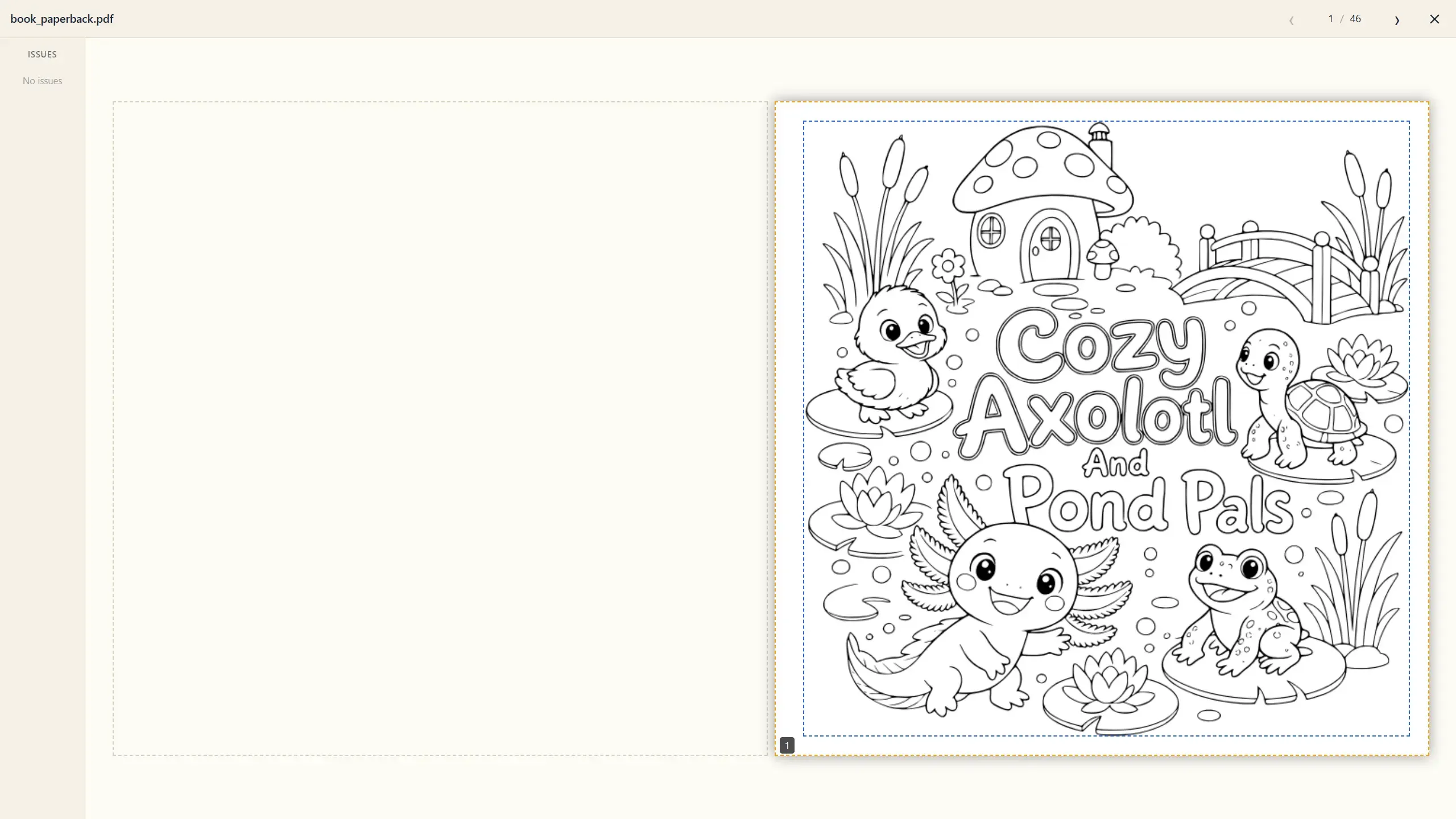
With matter and cover in place, the interior export is the easy part — the app already knows your trim size, bleed, and page structure. The Interior section lays the whole book out as three cards — front matter, coloring pages, back matter — with the export controls on top. Note the automatic blank pages (4, 6, 44, 46 below) keeping the print spreads correct:
Reviewing What Goes In
Section titled “Reviewing What Goes In”Click the middle coloring pages card to open Review Coloring Pages — a grid of every page as it will print, including the automatic blank pages. KDP offers no single-sided printing option, so a proper coloring book simulates it: artwork on every right-hand page, a blank on every left-hand page, in strict alternating order — the standard defense against ink bleed-through ruining the next drawing. Doing that by hand for a 50-page book means inserting and ordering dozens of blanks without a single slip; Coloring Book Engine lays out the single-sided interior automatically. Confirm and you’re set.
Export Options
Section titled “Export Options”| Control | What it does |
|---|---|
| Auto fit contents | Scales page content to sit inside the KDP safe area automatically. Leave it on unless you have a reason not to. |
| Add N % safe margin | Extra breathing room (0–10%) inside the safe area, on top of auto-fit. |
| Export ARC & Digital | When checked, the export also produces a Digital edition (for PDF sales/Etsy) and an ARC (advance review copy for your review team) alongside the print-ready Paperback. |
| Export Book | Runs the export. |
What You Get
Section titled “What You Get”The export writes into your project’s book folder and pops a summary — “Export Complete!” with per-edition page counts (e.g., Paperback: 108 Pages, Digital: 54 Pages, ARC: 54 Pages) and an Open Folder button. No credits are spent here; it’s pure assembly.
Next stop: validate everything before it goes anywhere near KDP.