
Book Stage Overview: Assemble a KDP-Ready Book
The Book stage turns your pages into a publishable book. It has two tabs: Make (assemble and export) and Validate (audit the PDFs and preview the physical book in 3D).
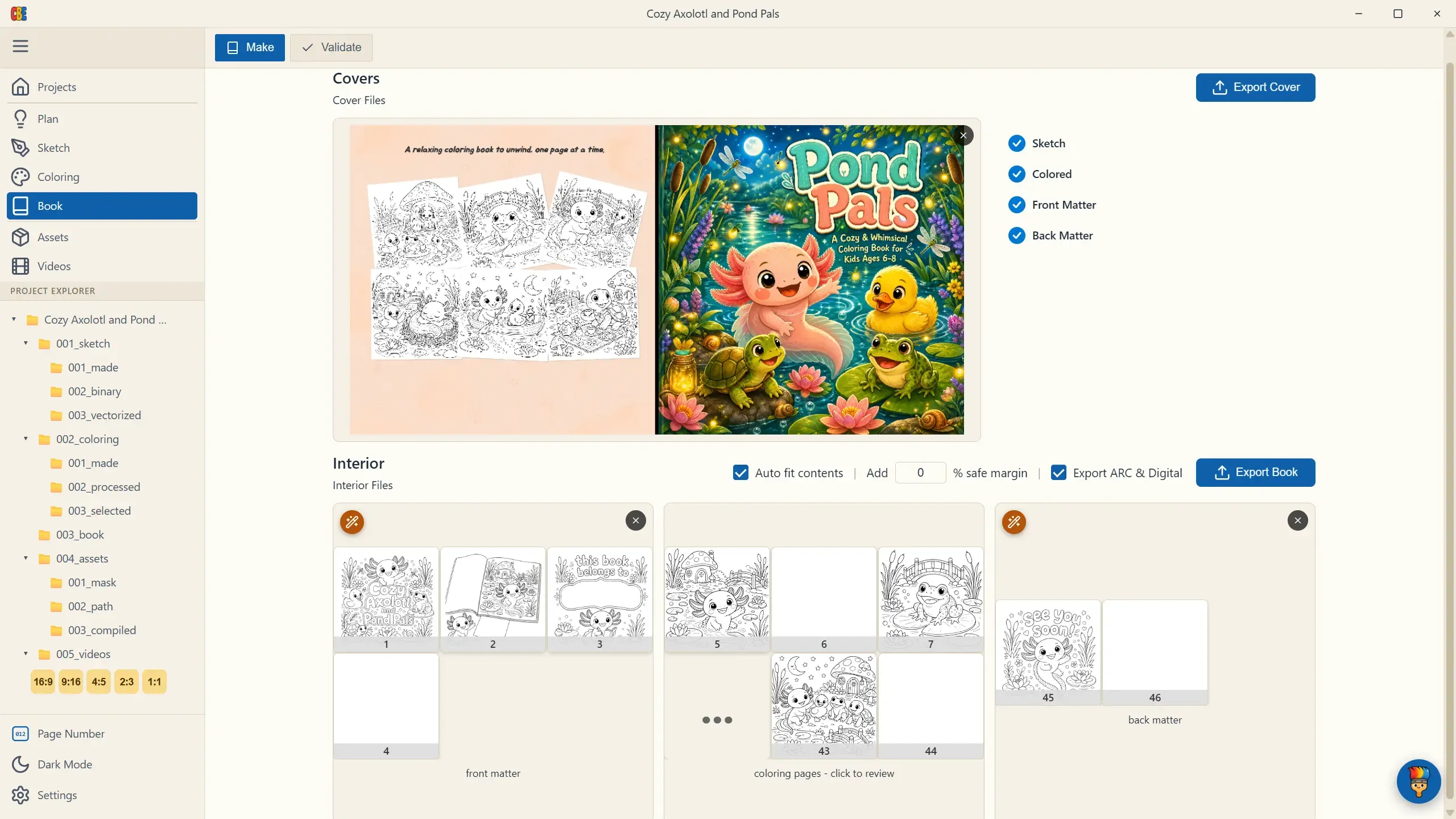
The Make Tab at a Glance
Section titled “The Make Tab at a Glance”The Make tab is organized around two sections:
-
Covers — the cover editor card (with a completion checklist: Sketch, Colored, Front Matter, Back Matter) and the Export Cover button. See Cover Design.
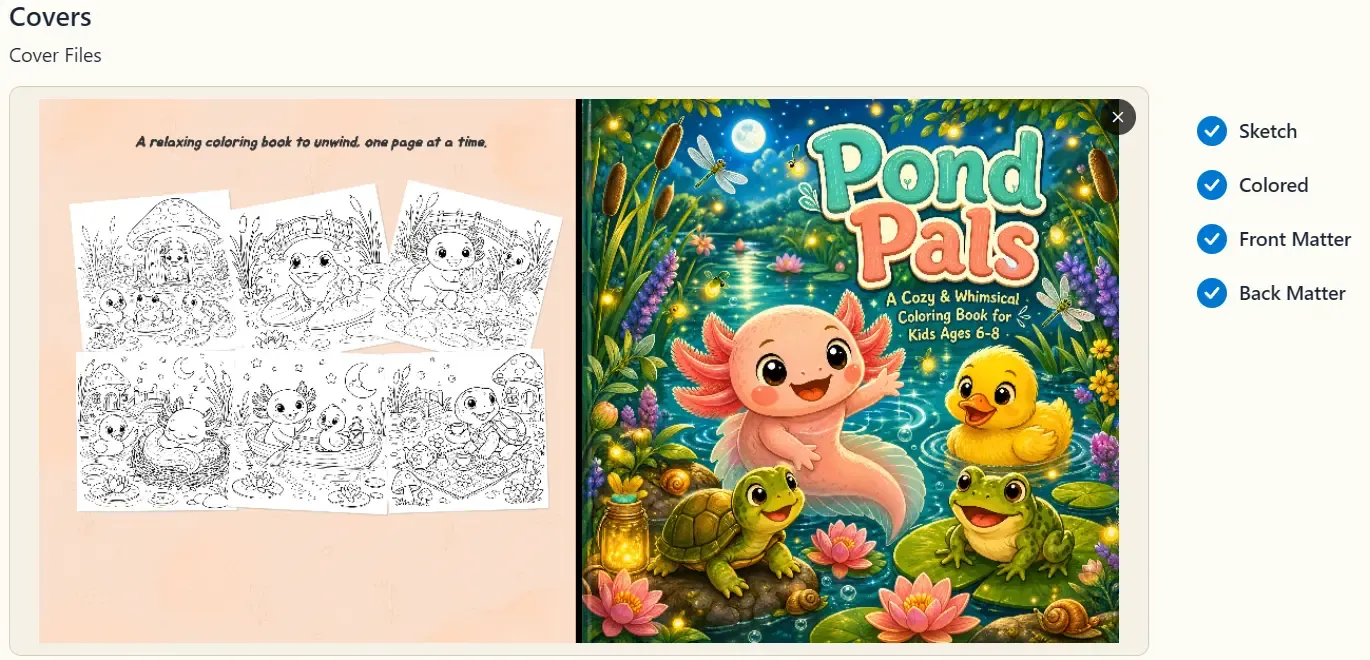
-
Interior — three cards side by side: front matter, your coloring pages (click to review the full set), and back matter — plus the Export Book controls. See Export to PDF.
The Order That Works
Section titled “The Order That Works”- Generate (or upload) front and back matter — the cover needs them to compute the spine.
- Design and export your cover.
- Export the book PDF.
- Validate both PDFs and flip through the 3D preview before uploading to KDP.
You can jump around — the app warns rather than blocks (e.g., opening the cover editor without matter shows “Book Details Not Complete” with a Continue Anyway option) — but the order above avoids re-doing the cover when the page count changes.