
App Conventions: Buttons, the Grid, and Runs
Coloring Book Engine is local-first: its AI runs on your own device by default — no API key, no credits — and any task can be routed to a cloud API the moment you want extra quality. Set that up once (below); after that, three conventions hold across every stage — learn them and every screen reads instantly.
Your AI: Local by Default, API When It Counts
Section titled “Your AI: Local by Default, API When It Counts”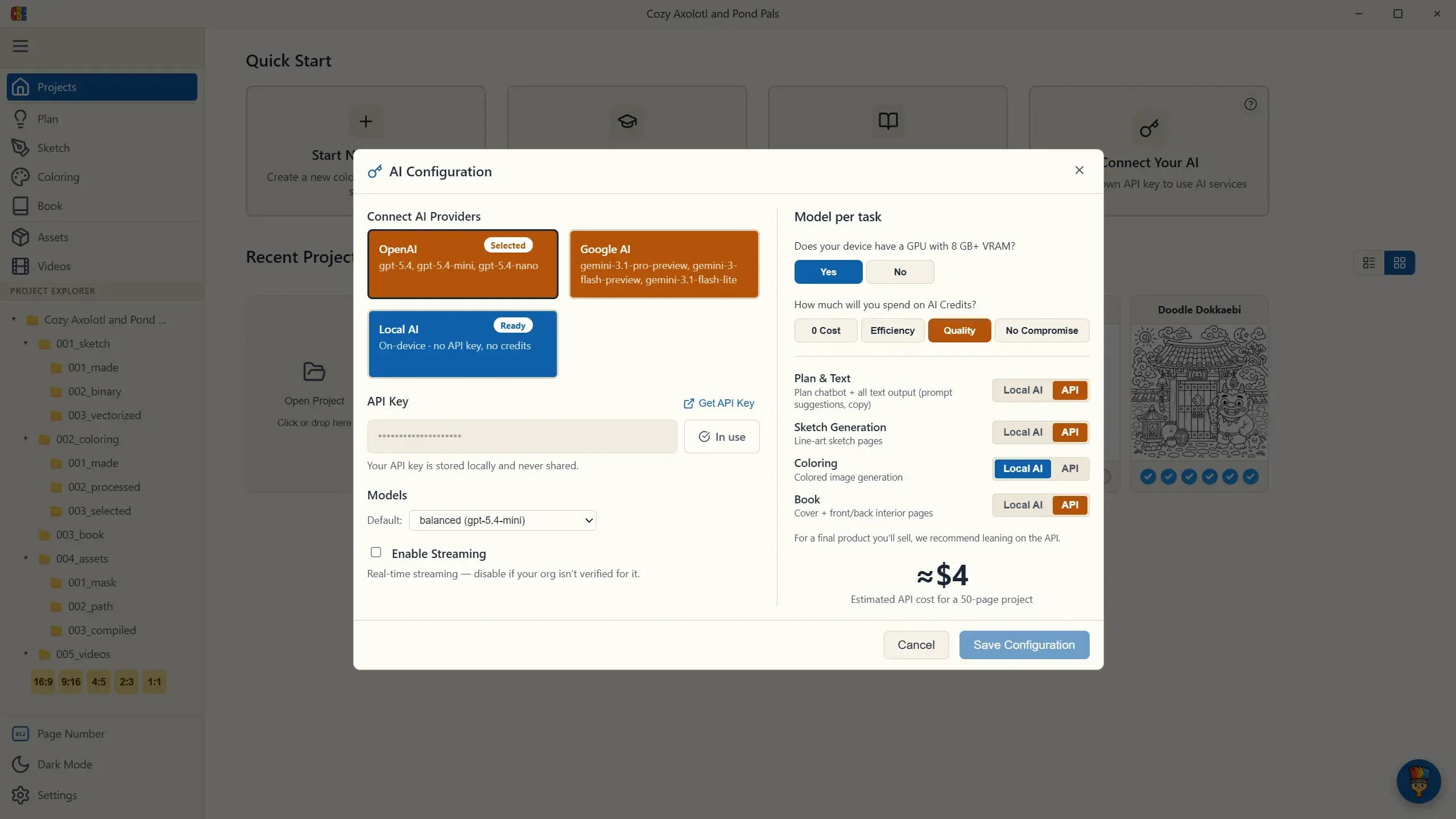
Coloring Book Engine ships a full generative stack that runs on your own machine. Local AI needs no API key and spends no credits: if your device has a capable GPU (roughly 8 GB+ VRAM), every stage can generate for free, offline.
Cloud API providers — OpenAI and Google AI — are optional. Keep them for the passes that sell the book, where a top-tier model earns its small cost: the cleanest cover, the sharpest line-art.
You choose this per task, not once for the whole app. The Model per task panel routes each of the four jobs on its own:
- Plan & Text — the planning chatbot and every prompt suggestion.
- Sketch Generation — the line-art pages.
- Coloring — colored versions for covers, previews, and videos.
- Book — cover art and front & back matter.
A budget tier sets all four at once — 0 Cost (everything local), Efficiency, Quality (the default), and No Compromise (everything API) — and you can still flip any single task afterward. The panel shows the estimated API cost for a 50-page project right there (about ≈$4 on the default tier), so nothing bills you by surprise. For a product you’ll sell, we recommend leaning on the API for the final pass.
Everything below — button colors especially — is just the app reflecting the choice you made here.
1. Button Color Tells You What Costs Credits
Section titled “1. Button Color Tells You What Costs Credits”- Orange buttons spend AI credits — a task you routed to the cloud API: image generation, AI edits, matter and cover generation. If a button is orange, pressing it calls your AI provider.
- Blue buttons run on your machine for free — Local AI generation as well as processing, vectorizing, exporting, and rendering.
You never have to wonder whether an action will bill you: the color answers before you click.
🟠 Spends AI credits
🔵 Free — runs on your PC
2. The Grid Is Your Book
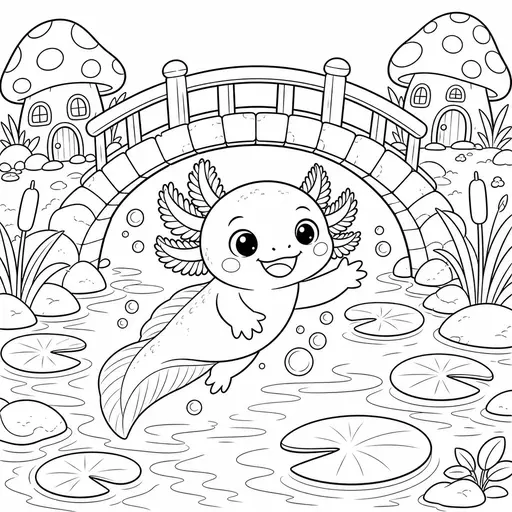
Section titled “2. The Grid Is Your Book”Every stage is built around the same grid, where each grid item is one coloring page of your book — page 001 is the same page in Sketch, Coloring, Assets, and Videos. Clicking an item opens whatever that stage needs for that page: an editor (masking touch-up, segment coloring) or a viewer (paths, compiled previews, videos).
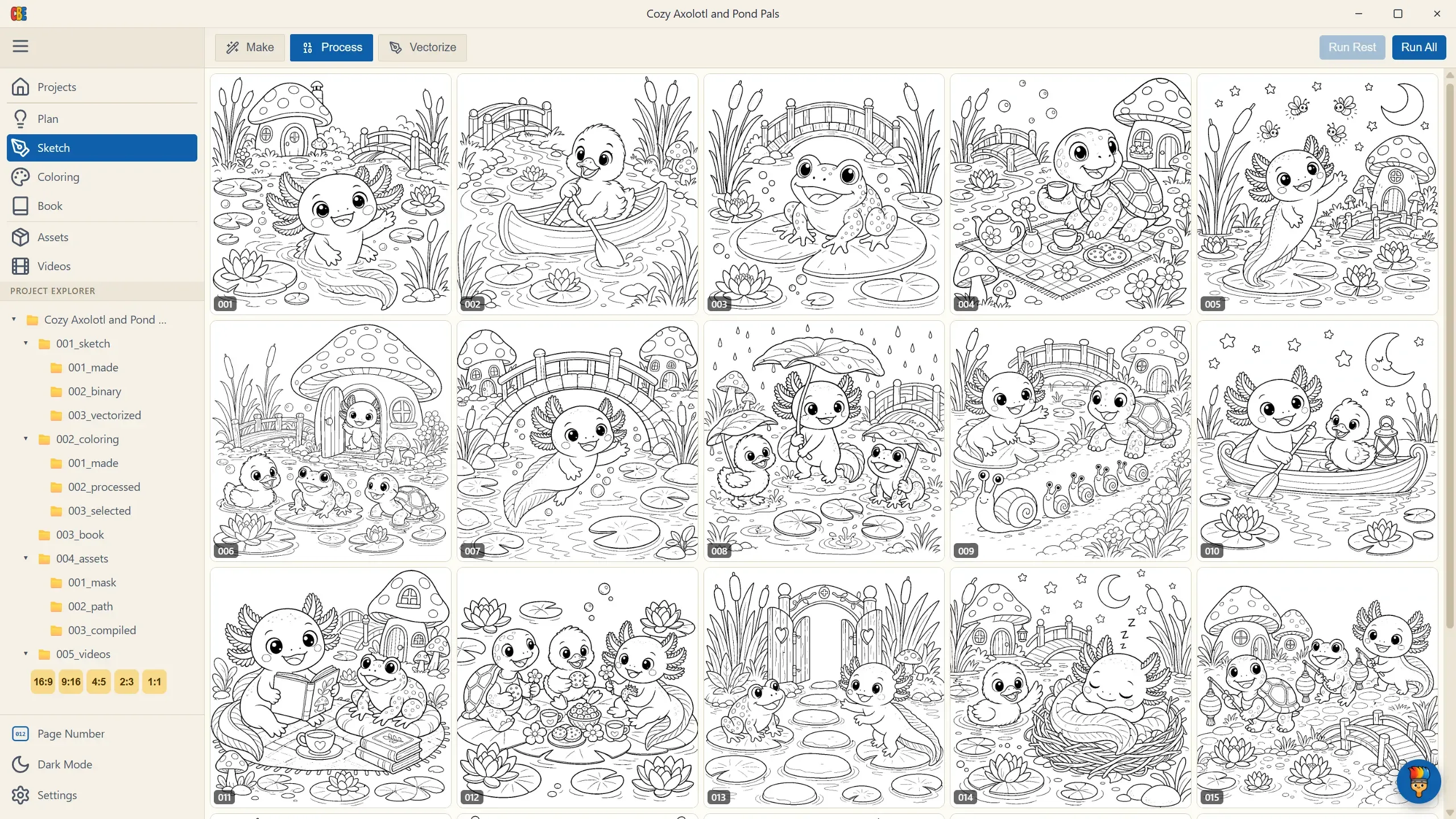
The grid is also your progress display — each card shows its state (empty, queued, generating, done, error) so a glance tells you where the stage stands.
3. Three Ways to Run Work
Section titled “3. Three Ways to Run Work”Every generation stage offers the same three actions — pick whichever the situation calls for:
- Single item — click one empty card to produce just that page.
- Retry — regenerate or reprocess one card that failed or came out wrong.
- Batch — Run Rest fills only the empty slots (your default; it never re-bills finished pages), while Run All redoes everything (it warns first, and backs up existing work).

 002
002
Progressing through a stage is just combining these: batch to fill, single/retry to fix, and move on.
Next: Plan — where your book takes shape.