
Coloring Stage Overview: Local or API
The Coloring stage produces colored versions of your line-art pages. These aren’t for the book interior (readers color that themselves) — they’re for everything that sells the book: the cover, marketing previews, and the coloring timelapse videos.
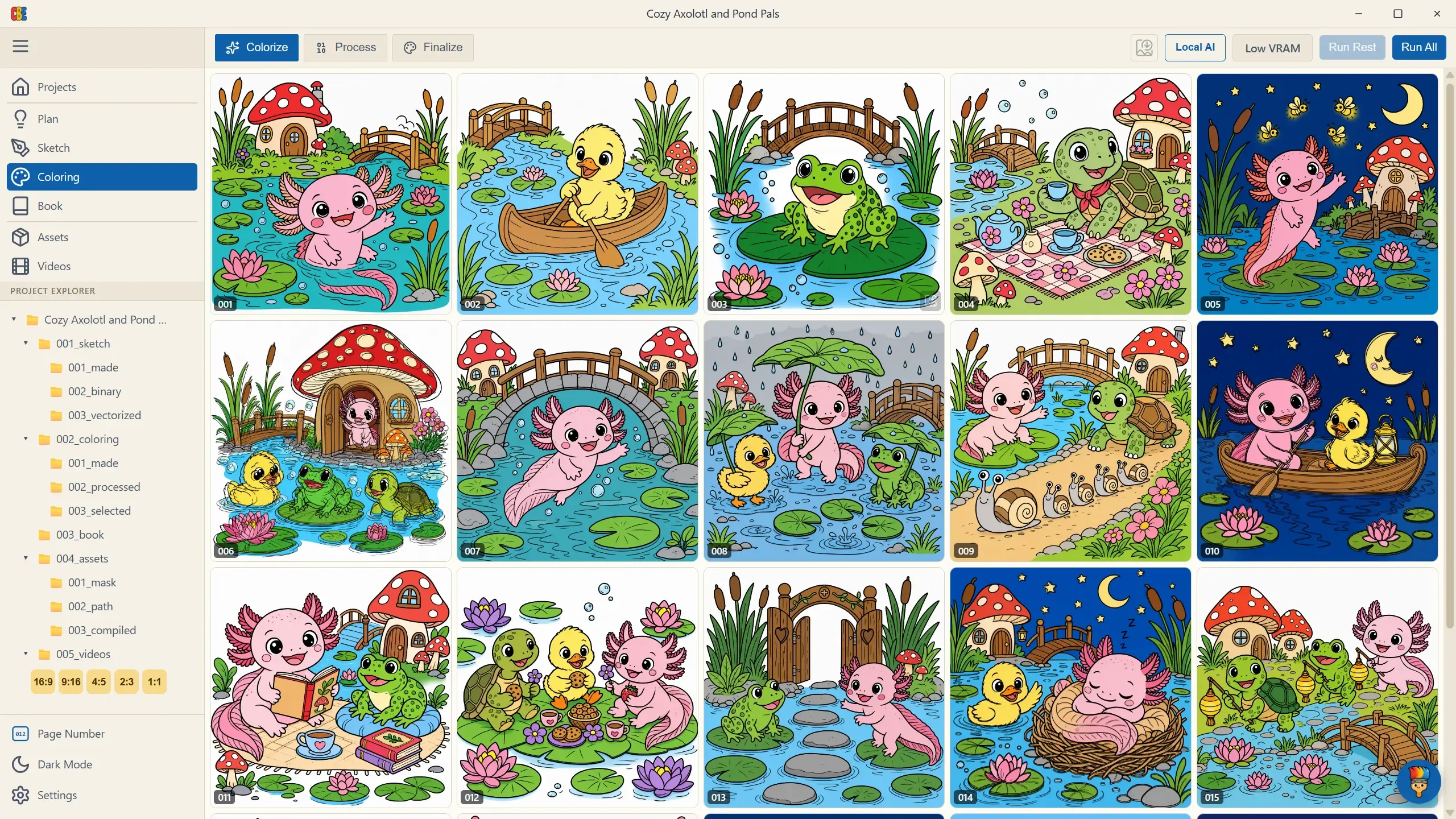
Two Ways to Color
Section titled “Two Ways to Color”Coloring — like every stage — can run on Local AI or a cloud API, and both share the exact same flow and tabs (Colorize → Process → Finalize):
- Local AI (the default) — runs the coloring model on your own GPU. No API key, no credits. It needs a dedicated GPU (roughly 8 GB+ VRAM) and a one-time ~7.4 GB model download; the app offers Start Download the first time you color locally.
- API — cloud AI colorizes your sketches from the Color Prompts in your plan, spending credits like sketch generation. It’s the pass to reach for on a cover you’ll sell, where the cleanest reproduction of your line-art matters most.
Which one runs is set by your global Coloring routing (Model per task), not a per-project choice — change it anytime in Connect Your AI or Settings → AI. On first visit the app also asks right here whether to color locally or via the API, and sets that same routing for you.
Both paths converge on the same flow: color the pages (Colorize), rework them into a real-marker look (Process), and pick the final set (Finalize).
Prerequisite
Section titled “Prerequisite”Coloring works from your processed sketches, so finish the Sketch stage first. If you jump ahead, the app tells you exactly what’s missing (e.g., “Binary sketch images aren’t ready yet — finish the Sketch stage first.”).