
Finalize: Composite Preview & the Color Editor
Finalize is where the colored set becomes official: each card shows the processed color layer composited with its line art, so what you see is the finished artwork exactly as your cover, previews, and videos will use it.
Controls
Section titled “Controls”| Control | What it does |
|---|---|
| Load All | Copies every processed page into the final set, one-to-one. The fast path when you’re happy with the whole batch. |
| Import images (icon button) | Bring in outside images for specific pages — final creative control stays with you. |
| Click a card | Opens the Color Editor for that page — see below. |
The Color Editor: Hand-Finish the Details
Section titled “The Color Editor: Hand-Finish the Details”Clicking any page opens the Color Editor — a simple, purpose-built image editor with two tools: an eyedropper and a paint bucket. It preserves the palette your pages were processed with, so recolors stay consistent with the rest of the book: pick a color from the swatch row (or lift one straight from the artwork with the eyedropper) and fill the region that needs fixing. When a detail calls for something new, the + button adds a color to the palette.
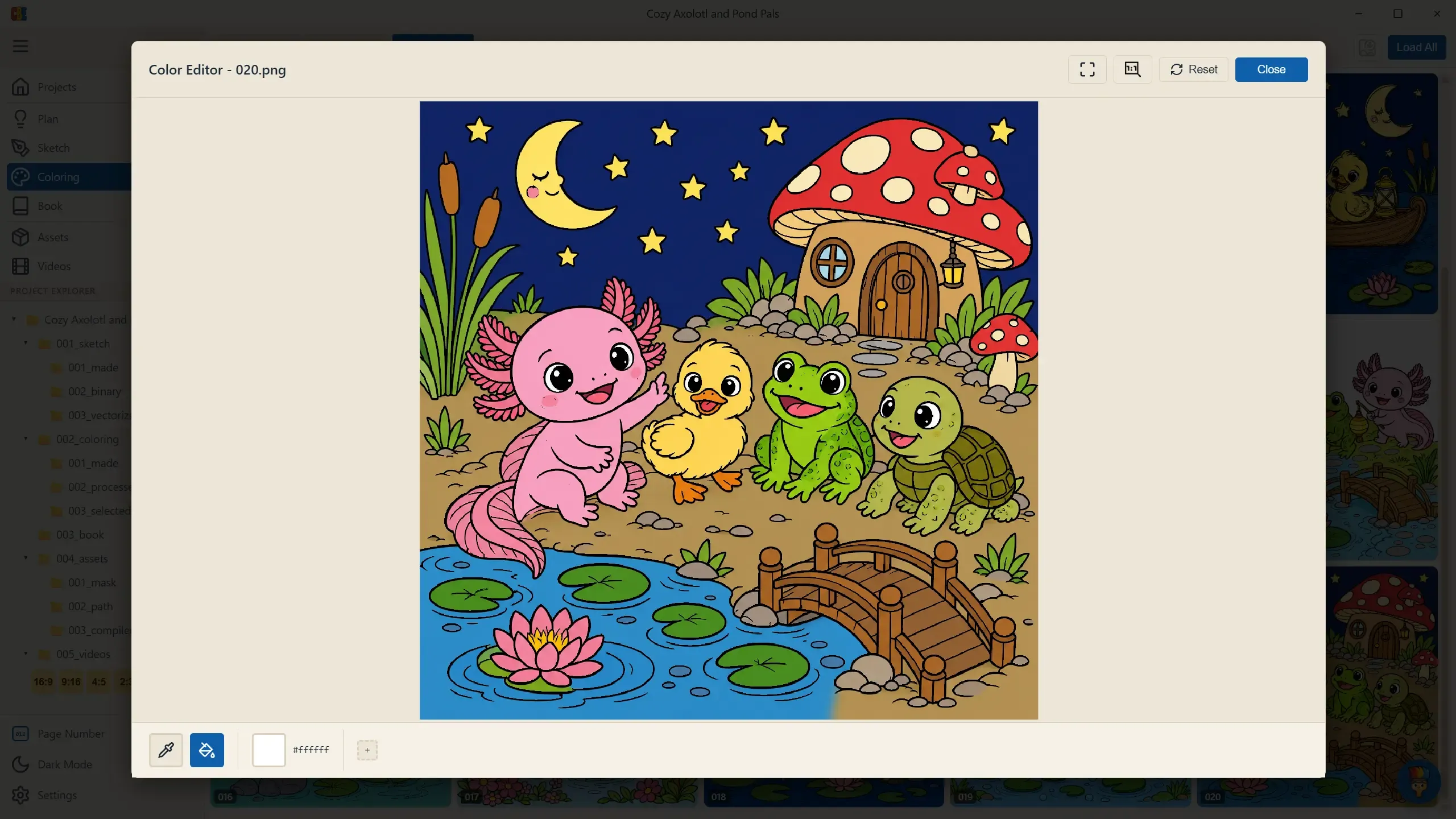
It’s where you hand-finish the final details the earlier stages missed — no regeneration, no credits, and your palette stays intact. Save writes the result; Reset returns to the processed original.
With the final set assembled, the Coloring stage is complete — on to Book.