
Vectorize: 300 DPI Print-Ready Line Art
Vectorize converts the black-and-white pages into vector artwork (SVG) — lines stay perfectly crisp at any print size, which is exactly what a printed book needs. Like Process, it’s one Run All click, free, and local; single cards can be redone individually.
This step is also how Coloring Book Engine guarantees print resolution. KDP expects 300 DPI interiors (2550 × 3300 pixels for an 8.5″ × 11″ page) — well above what AI generators output natively, which is why most workflows bolt on a paid upscaler and risk waxy, over-sharpened artifacts. Vector pages sidestep the problem entirely: they rasterize at exactly the resolution your book needs, whatever the trim size.
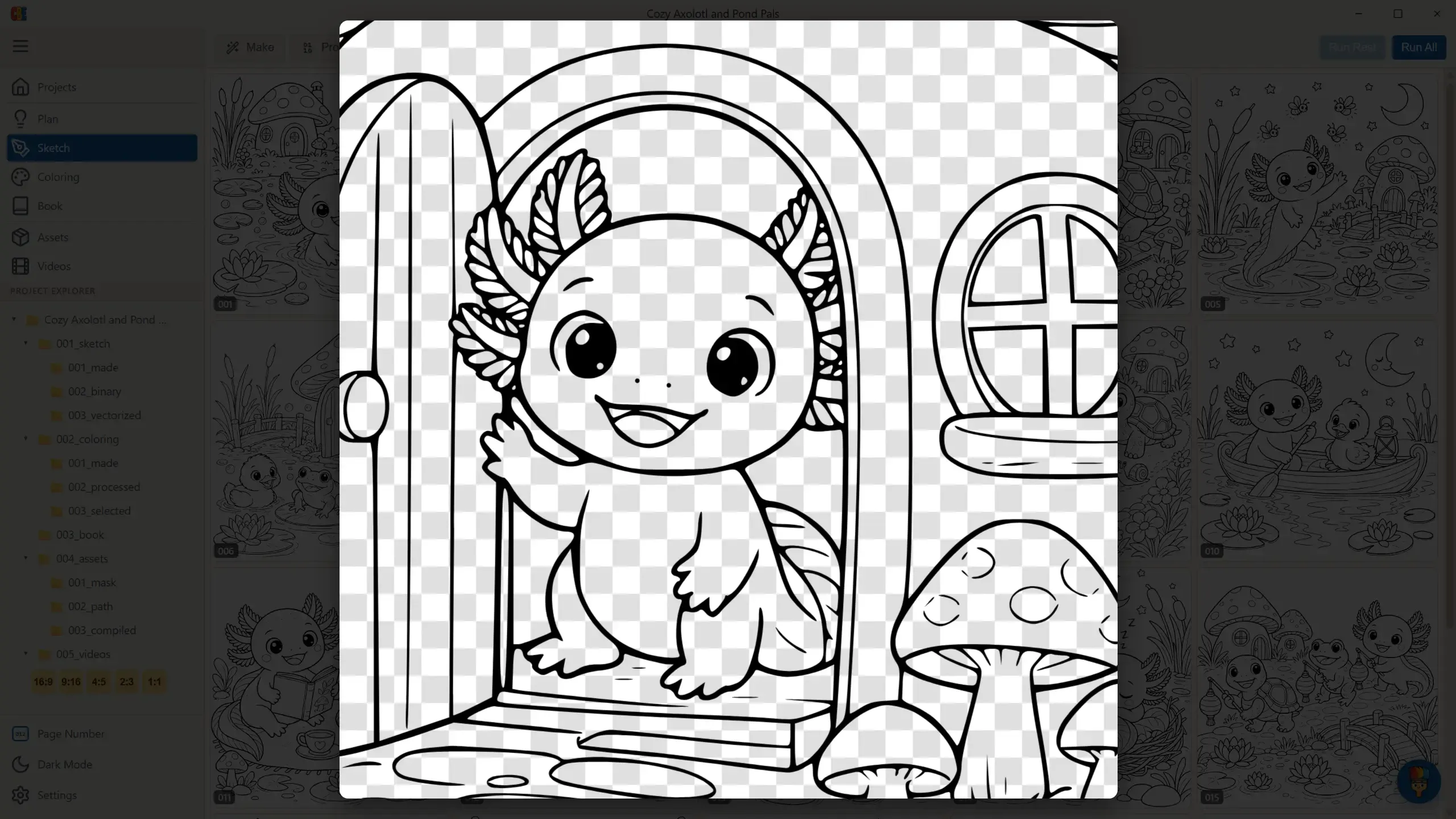
Click any finished card to inspect the vector result — the checkerboard background shows it’s pure line work on a transparent canvas, ready for print layout:
Controls
Section titled “Controls”- Run All — vectorizes every processed page; asks “Overwrite existing images?” when re-running over existing results.
- Click any single card to (re)vectorize just that page.
- A card with a yellow warning means the page hasn’t been processed yet — finish Process first.
Completing this tab marks the Sketch stage done on your dashboard: the vectorized pages feed both the Book interior and the promo video pipeline.
If Something Goes Wrong
Section titled “If Something Goes Wrong”| Message | What it means / what to do |
|---|---|
| Vectorization Failed | The local conversion hit an error — the message includes details; retry the affected pages individually. |