
Sketch Stage Overview: Make, Process, Vectorize
The Sketch stage turns your page plan into actual line art. It has three sub-tabs that you run in order — Make (generate images), Process (convert to clean black & white), and Vectorize (convert to crisp, print-ready vector art). Each tab reads the previous tab’s output, so a page must be made before it can be processed, and processed before it can be vectorized.
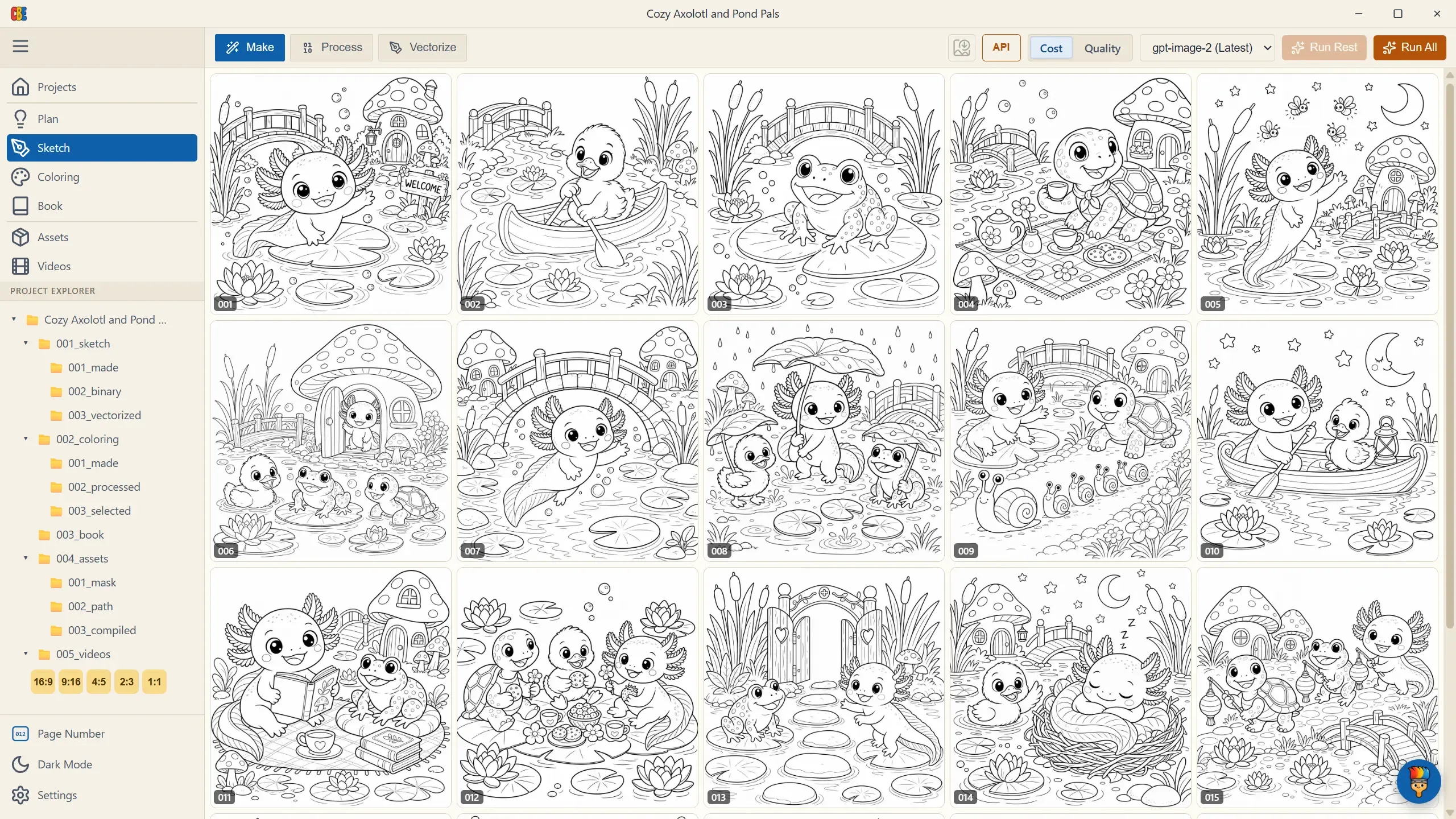
First Visit: Two Ways to Start
Section titled “First Visit: Two Ways to Start”The first time you open Sketch, a dialog asks “How would you like to create your sketches?”:
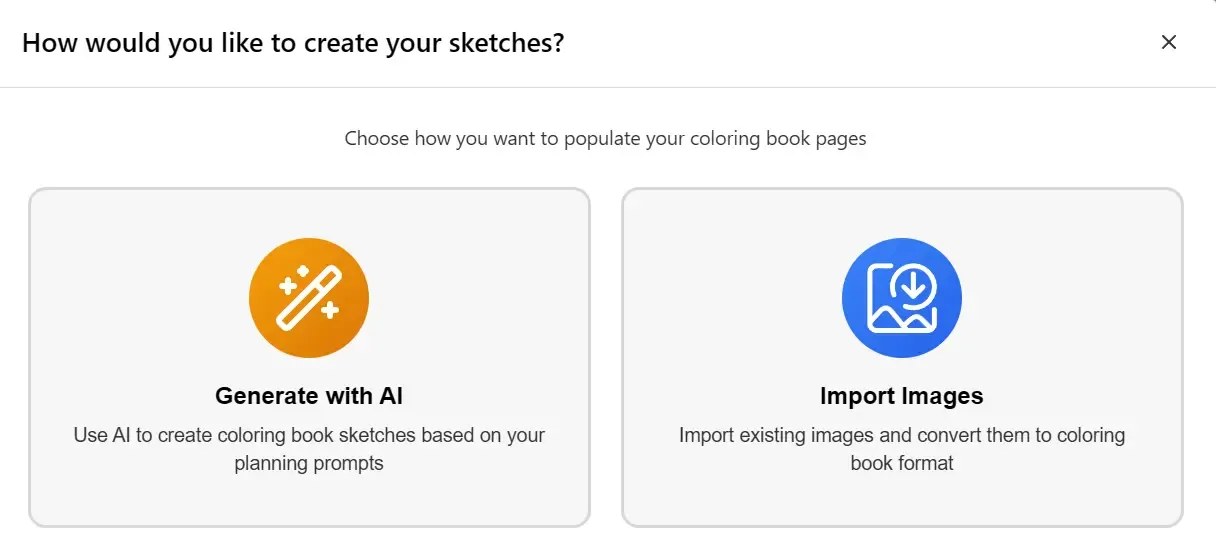
- Generate with AI — create pages from the prompts you wrote in Plan. This is the standard path this handbook follows. Continue with Make.
- Import Images — bring your own images instead; they join the pipeline exactly like generated pages. See Import Images.
What Completes This Stage
Section titled “What Completes This Stage”The vectorized pages are what the Book stage binds into your interior PDF, and what the Assets stage animates for promo videos — finishing the Vectorize tab is what marks Sketch complete on your dashboard.